Wedding Websites · · 1 min read
What a Wedding Website Should Show on a Slow Connection
A guest on a weak connection should still be able to find the date, venue and contact details. Put essential information in readable text before making it depend on large photographs, music or video.
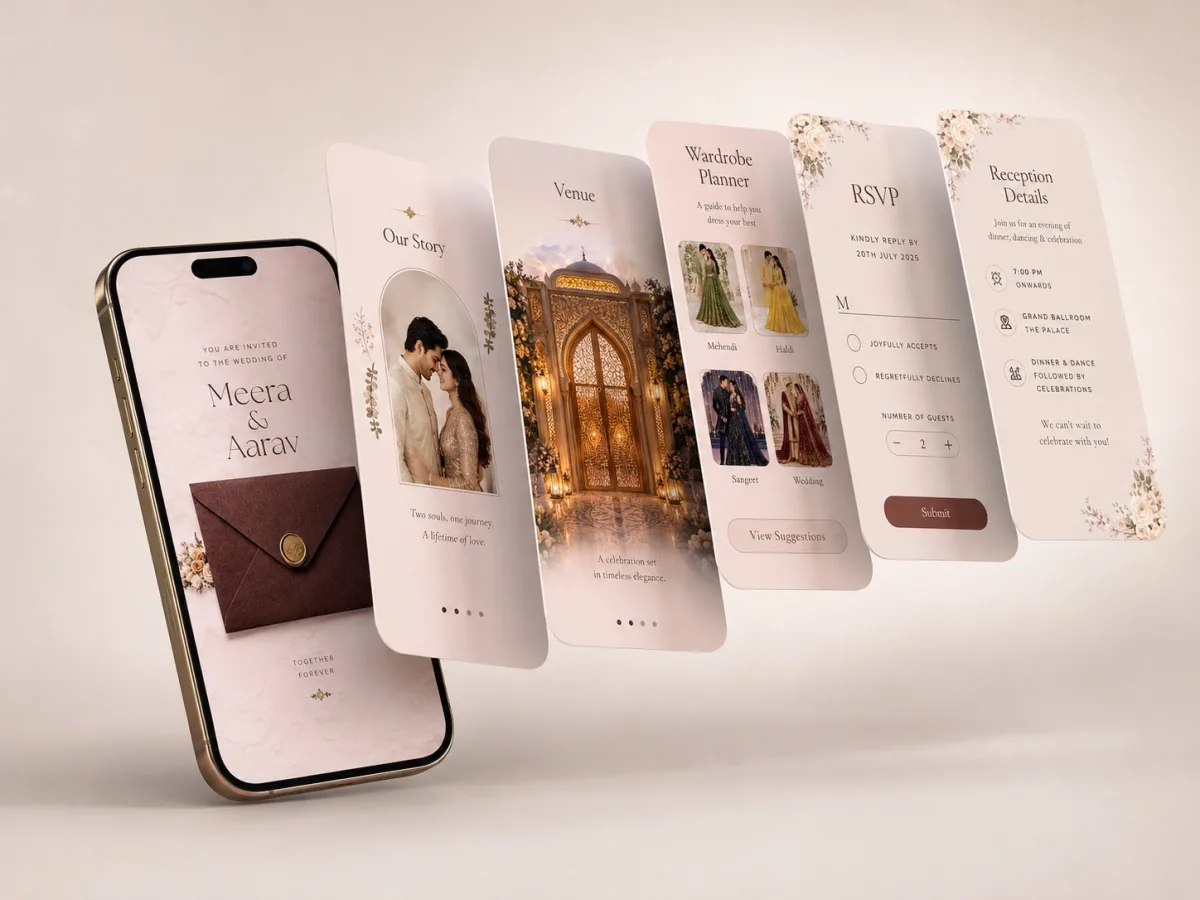
Decide what loads first
Prioritise names, event date, arrival time, venue address and the RSVP action. An image of a beautifully written card should not be the only source of the address. Add the same key facts as actual text so they remain available while media loads.
Make extras optional
Use a still preview for video and let guests choose to play it. Keep galleries below the main details and avoid requiring music or an animation to finish before the schedule becomes accessible. Ask the website provider whether images can be reduced while keeping names and decorative details clear.
Run a practical check
Open the page on mobile data with a fresh browser session. If the first screen stays blank or the RSVP button moves as images appear, raise it before sharing. Give guests a short text invitation as a companion containing the core facts and the site link. That message also helps anyone who cannot load the site at all.