Wedding Websites · · 1 min read
Wedding Website Music: Give Guests a Clear Play Button
Music can make an invitation feel personal, but guests may open it at work, on a train or beside someone sleeping. A visible play control gives them the choice and helps the invitation work even when audio cannot start.
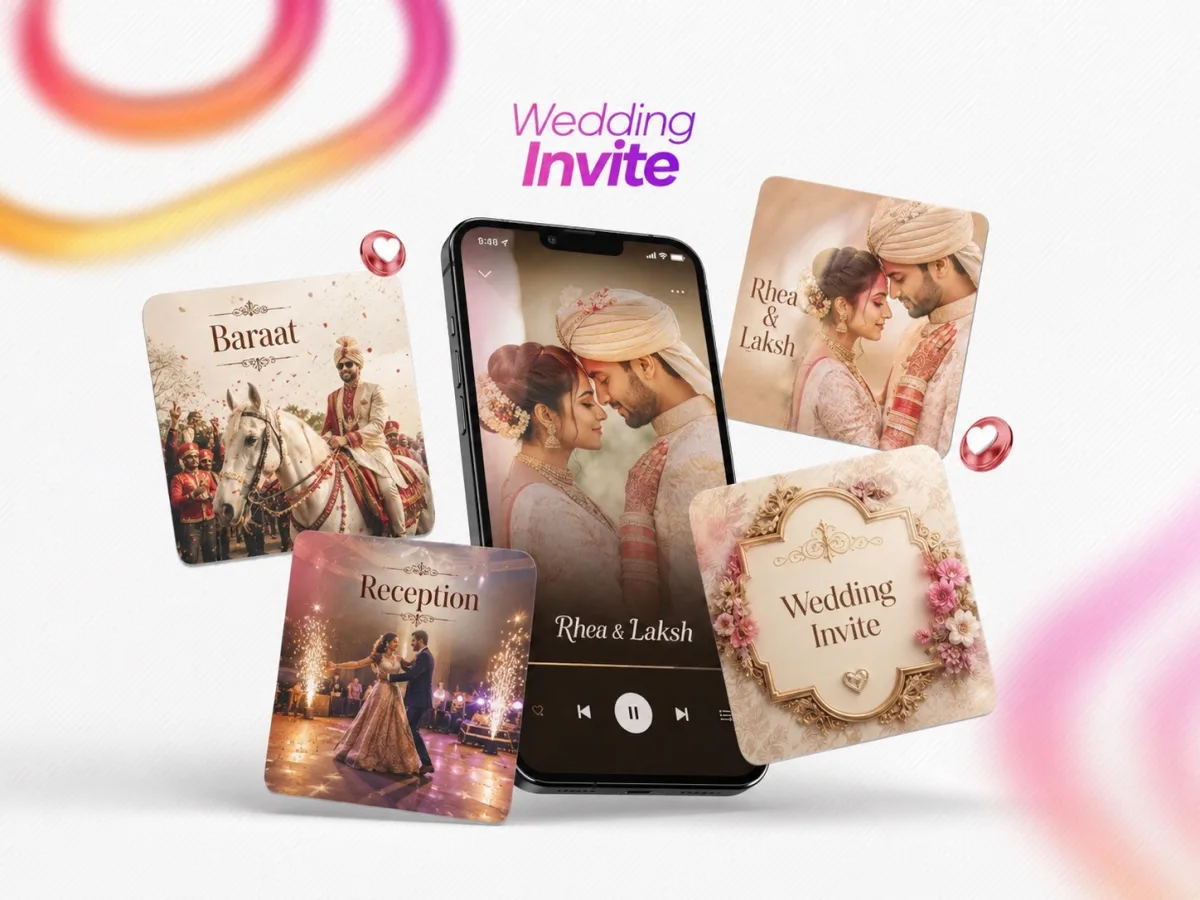
Design the silent experience first
Check that every event detail and invitation message is understandable with sound off. Show a short label such as “Play our song” with a matching pause control. A decorative speaker icon without a clear state can leave guests unsure whether audio is on.
Check the actual behaviour
Open the page on a fresh phone browser and from a messaging app. Confirm that tapping play starts the intended track and that pause stops it. Move between sections and test whether navigation unexpectedly starts a second copy. Browser behaviour can differ, so do not promise automatic playback.
Prepare the handover
Use music you have permission to publish and agree whether it is for the invitation only or a broader release. Keep a fallback message if the track fails to load. The date, map and RSVP should remain usable. A personalised soundtrack is a welcome extra when guests can control it and the invitation still works without it.