Wedding Websites · · 1 min read
Check Names and Dates in Your Wedding Link Preview
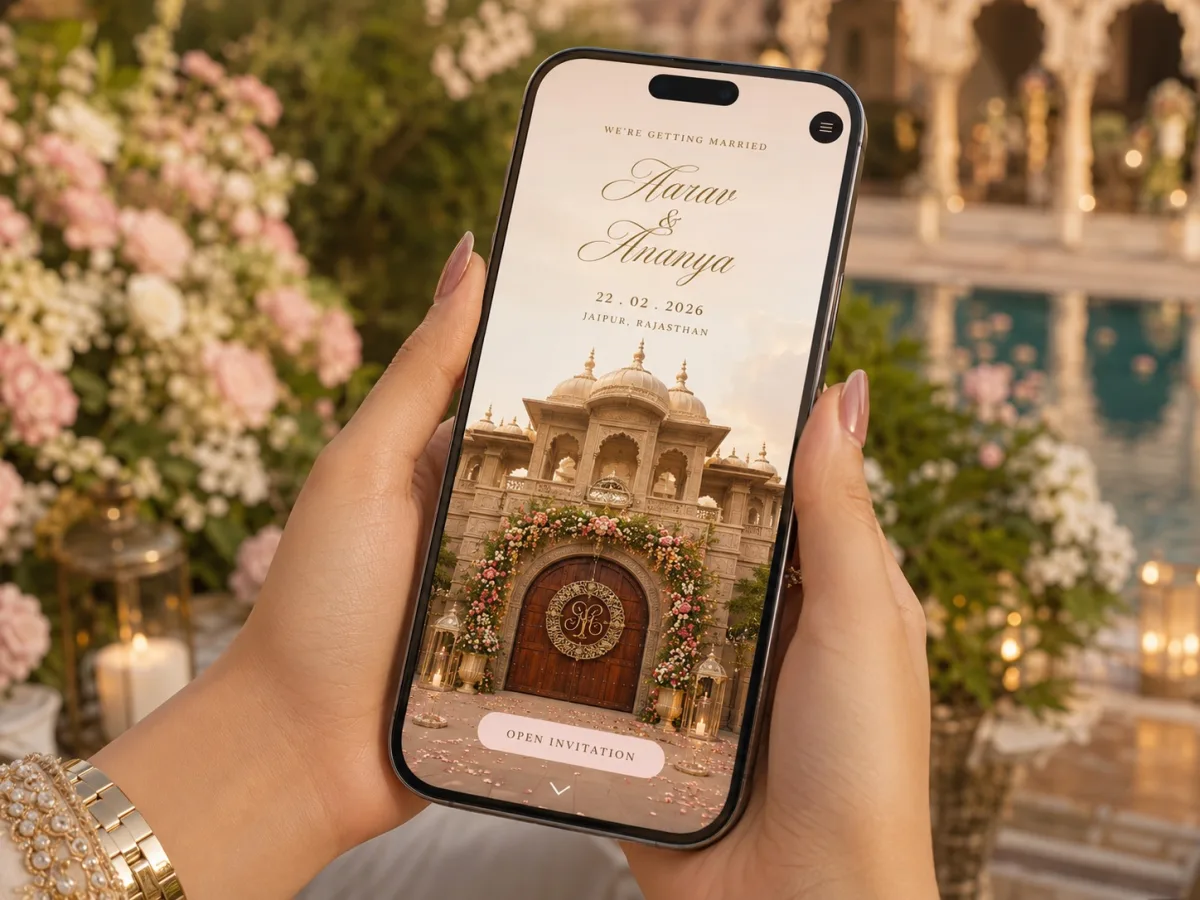
A wedding link preview may be the first part of the invitation a guest sees. Review its title, description and image separately from the page itself, because correcting visible text does not always update preview metadata.
Inspect the preview content
Share the public link in a test conversation and check the couple's names, event wording and image crop. Open the page to confirm that the preview refers to the same invitation. Make sure it does not show a sample couple, an internal draft label or an unrelated default image.
Ask for the correct fields
Tell the site manager which title, description and social image should be used. Provide approved copy with only the information intended for sharing. Do not put personal phone numbers or private addresses in preview text merely to make the invitation more detailed.
Retest after changes
Messaging platforms can retain earlier previews, so check both a fresh share and the actual page metadata where your provider can inspect it. Avoid repeatedly renaming the wedding page without a plan for old links. Keep the event's essential facts in the message accompanying the URL so guests can understand the invitation even when a preview is delayed or unavailable.