Design Handover · · 1 min read
Prevent Names and Dates From Being Cropped in Invite Previews
Invitation artwork can look complete when opened and lose key details in a message preview. Keep essential text away from edges and test the actual sharing route before approving the design.
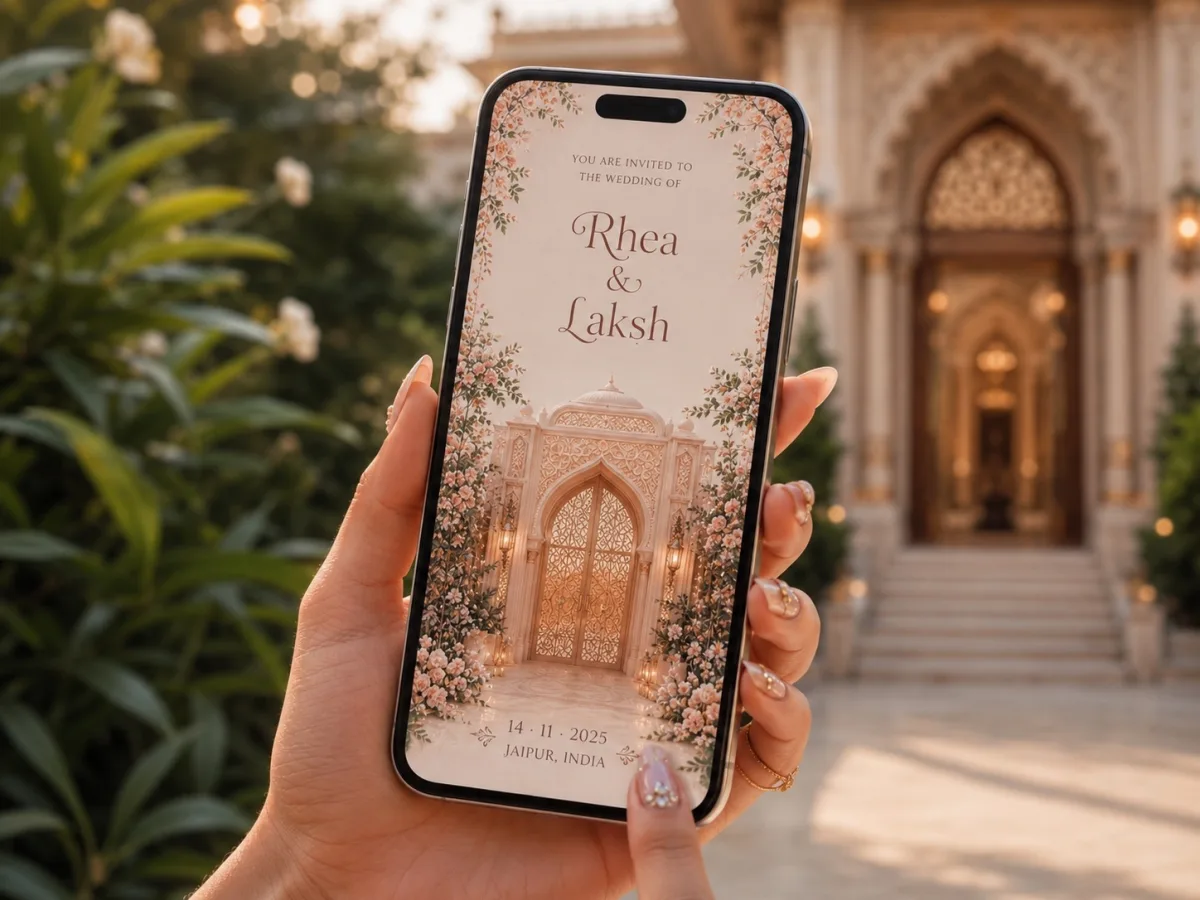
Identify the essential area
Mark the couple's names, event date and a recognisable visual as the core of the preview. Decorative borders and flourishes can extend further out, but guests should not need to open the image to discover that it is an invitation. Do not assume every app uses the same crop.
Send a real test
Share the exported image or link with a helper using the app and phone types your guests use. Inspect the conversation preview, then open the full image. For a website link, check the page title, description and preview image as well; these are different from the artwork shown inside the page.
Correct the source
Adjust spacing or create a dedicated social preview image if necessary. Keep event details as readable text in the accompanying message. If the page has been updated, a messaging app may still show an earlier preview for a while. Confirm the actual page content and avoid promising that a new preview will appear immediately for every recipient.