Previewing a Wedding Website Before Your Final Order
You can use the sample previews on the Love Solutions wedding brief page to explore a design before discussing your final order. Treat a sample as a way to judge the layout; personalised work, scope and approval still need to be confirmed.
By Love Solutions India · Published 1 July 2026 · Updated 1 October 2026
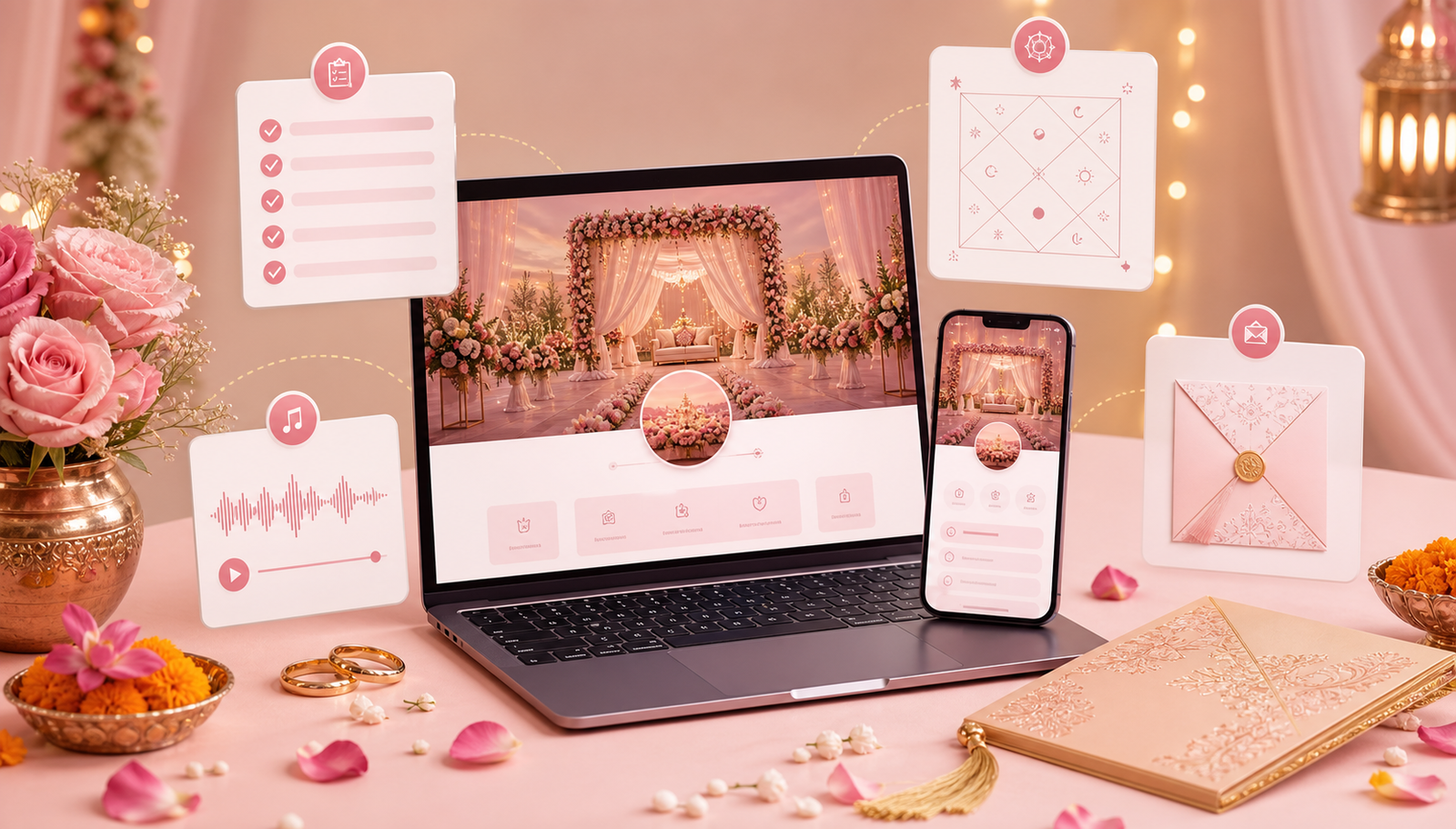
Review the sample as a guest would
Open the sample on your phone and look for the couple’s names, event details and venue information. Check whether you can read the text comfortably and find the next section without guessing where to tap.
Notice how photographs are cropped, how long sections feel and whether animation helps or distracts from the information. Your actual content may occupy more space than the sample wording.
Write specific feedback
A useful preview note describes the element and the change: “Keep this floral background, but make the event dates more prominent.” Avoid approving the whole site just because you like the first screen.
- Name the sample you prefer.
- List the elements you want to keep.
- Explain what your content will add or change.
- Identify any feature you need to discuss before ordering.
Confirm the scope before treating a preview as final
A sample does not confirm that every visible feature is included in your arrangement. Ask which design changes, content sections and guest actions are available for the option you select.
Before guest sharing, review the personalised result with approved wording and tested links. If a preview cannot load, retry later or contact the team with the sample name; avoid using an unrelated sample as a substitute for checking your own final details.
Frequently asked questions
Does viewing a sample place an order?
Viewing a sample is a design review step. Confirm your order and agreed scope with the team separately.
Will our website look exactly like the sample?
The sample shows a starting layout. Your text length, photographs and agreed customisation can change the result, so review the personalised version before sharing.
What if we need a feature that is not visible in the demo?
Describe the guest action you need and ask whether it is supported in your chosen option. Do not assume a hidden feature exists.
Related guides
Planning your invitation?
Share your project details and confirm the chosen format, features and scope before ordering.