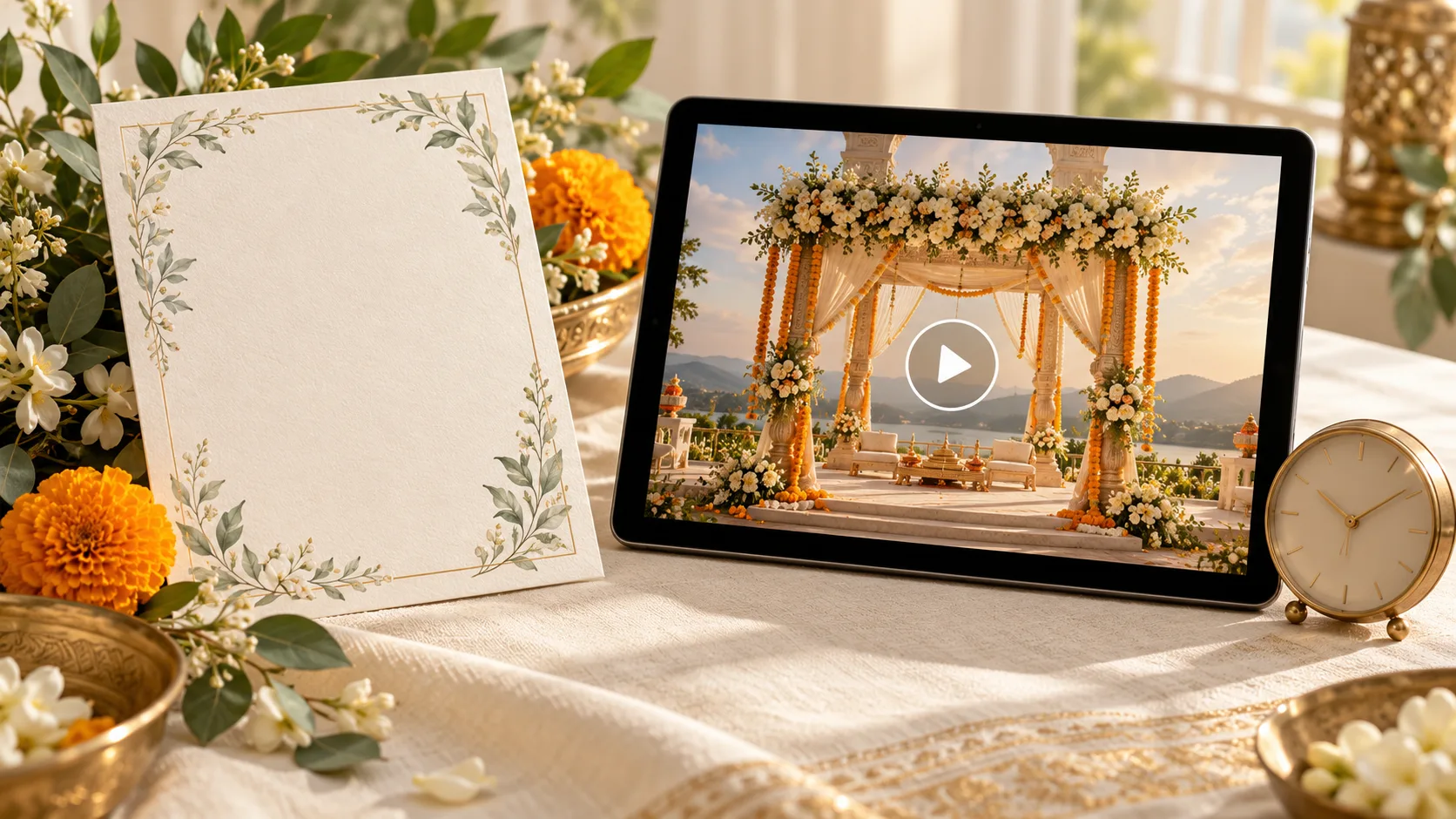
A relative opening your wedding message from another city should immediately know how to join you. Are they being invited to the venue, to watch the ceremony online, or to choose between the two?
Good wedding livestream invitation wording answers that question warmly, then gives the date, viewing time, time zone and link. You can say something personal without making guests hunt for the practical details.
Here is a simple starting point:
We would love you to join us online as we get married. Please watch our wedding ceremony on [full date] at [ceremony time and time zone]. The stream opens at [join time]. Join here: [viewing link]. Your love and blessings mean so much to us.
Use “watch online” or “join us online” near the beginning. A video invitation by itself does not tell a guest that the actual wedding will be livestreamed.
Decide what you are inviting each guest to
Before writing the message, choose the version that fits the recipient.
- Online-only invitation: Invite the person specifically to watch the ceremony. Leave out venue directions, arrival instructions and meal details that would suggest an in-person invitation.
- In-person invitation with an online option: Keep their invitation to the venue clear. Present the stream as an alternative if they cannot attend, and ask them to confirm which option they will use if you need a physical headcount.
- One ceremony from a longer celebration: Name the part being streamed. “Watch our wedding ceremony” is clearer than “join all our celebrations” when the mehndi, sangeet and reception will not be shown.
If the in-person gathering is small, a personal message before the digital invitation can make the arrangement easier to understand. You do not need to explain private circumstances or apologise throughout the invite.
Copyable wedding livestream invitation messages
All names, dates and times below are fictional examples. Replace every bracketed detail, and promise a livestream only after the arrangements are confirmed.
A warm message from the couple
We’re getting married! Wherever you are, we would love to share our ceremony with you. Please join Meera and Aarav online on 18 November 2026. The ceremony begins at 6:00 pm India Standard Time (IST, UTC+05:30); the stream opens at 5:45 pm. Watch here: [viewing link] With love, Meera and Aarav
This works as a WhatsApp message or a short website introduction. Add any essential sign-in or access instructions immediately below the link.
A formal invitation from the parents
With joy, our families invite you to join the wedding ceremony of [Name] and [Name] through a live online broadcast. [Full date] Ceremony: [time and time zone] Stream opens: [time and time zone] Kindly join us at [viewing link] and bless the couple as they begin their married life.
Keep “live online broadcast” in the main invitation paragraph rather than placing it in tiny text at the bottom.
An intimate wedding with guests joining remotely
We are celebrating our wedding in a small gathering and would be delighted to have you with us online. Please join the live ceremony on [full date] at [time and time zone]: [viewing link]. We look forward to sharing this moment with you, wherever you are.
Use this only when the small-gathering explanation is true. A direct invitation to the online ceremony is enough; avoid suggesting that a separate venue invitation will follow if it will not.
An online option for someone also invited in person
We would love to see you at our wedding. If you cannot travel, you are warmly invited to watch the ceremony online on [full date] at [time and time zone]. Viewing link: [link] Please let [contact] know by [date] whether you will attend in person so we can plan your place at the celebration.
Do not count an online “yes” as a catering or seating confirmation. If your RSVP form combines both groups, make the attendance choices explicit.
A confirmed broadcast whose link will arrive later
Please save [full date] to join our wedding ceremony online at [time and time zone]. We will send the viewing link in this chat by [specific date]. We would love to have you with us!
Choose a link-sharing date you can meet. “Link coming soon” creates an open question that relatives may keep asking. If you will put it on a wedding details page instead, name that page and say when to check it.
What to put on the wedding website
A dedicated viewing section can keep the joining instructions together. It may link out to the separate streaming service you have arranged; the invitation website does not have to be the broadcaster.
Use a compact block like this:
Join our wedding online Ceremony: [event name] Date: [full date] Stream opens: [join time and time zone] Ceremony begins: [start time and time zone] Watch: [viewing link] Access: [tested sign-in or passcode instructions, if needed] Need help? Message [designated helper and contact method].
Include access details only where the intended guests should receive them. If the viewing section is public, do not put a private meeting passcode or a family member’s personal number there without their agreement.
Tell guests whether they will simply watch a broadcast or join an interactive call. Microphone and camera instructions are useful for the latter; they can confuse people watching a one-way stream.
For guests abroad, use the full time-zone name at least once. If you add local equivalents, verify the date as well as the time for the wedding day. The separate guide to explaining wedding local time to guests abroad covers that check in more detail.
You can browse Love Solutions wedding website designs when planning the presentation of your invitation. Ask about the placement of your externally arranged viewing link before choosing a design.
Keep the video invitation short and the link clickable
For a video sent to online guests, the closing screen can say:
Join our wedding ceremony online [Full date] · [time and time zone] Viewing link in the message below
Repeat the actual clickable link in the accompanying WhatsApp message. A web address drawn inside an MP4 frame is not a tappable button.
Do not try to fit passwords, troubleshooting instructions and the whole viewing schedule into a few seconds of animation. Put the practical instructions in the message or on the details page. When comparing wedding video invitation samples, check whether the date and online invitation remain clear with the sound muted.
Send useful reminders and honest updates
Choose one person who can answer viewing questions while the couple and immediate family are occupied. Give that helper the final link and the same wording guests receive.
Reminder for invited online guests
We’re looking forward to sharing our wedding with you tomorrow, [full date]. The ceremony begins at [time and time zone], and you can open the stream from [join time]. Watch here: [link] If you need help joining, please message [helper].
Repeating the full date protects the message from becoming ambiguous when someone reads or forwards it later.
If the ceremony is running late
Thank you for joining us. The ceremony is running later than planned. Please keep this page open; we will post another update here by [time and time zone].
Promise an update you can deliver. Do not announce a new ceremony start time until the organiser has confirmed it.
If the stream is interrupted
We’re having a connection problem with the live broadcast. Please check [agreed update location] at [time] for the next update. Thank you for your patience.
Only promise a replay once a usable recording exists and the couple has agreed to share it. If it is ready, a simple follow-up works: “Thank you for being part of our day. You can now watch the ceremony recording here: [link].”
A final guest-view check before sending
Ask someone who was not involved in setting up the broadcast to test the exact invitation.
- Can they tell that this is an invitation to watch online?
- Are the full date, time zone, stream-opening time and ceremony time clear?
- Does the link open the correct event rather than a creator dashboard?
- Do the access instructions match what a guest actually sees?
- Have you tested from a phone that is not already signed into the organiser’s account?
- Is it clear which part of the wedding will be shown?
- Are online responses kept separate from in-person meal and seat counts?
- Does the designated helper know where to post a delay or connection update?
- Have you removed any unconfirmed promise about recording or replay access?
The best online wedding invitation makes loved ones feel welcome and gives them one clear way to be there. A warm sentence, an unmistakable viewing time and a tested link do most of the work.