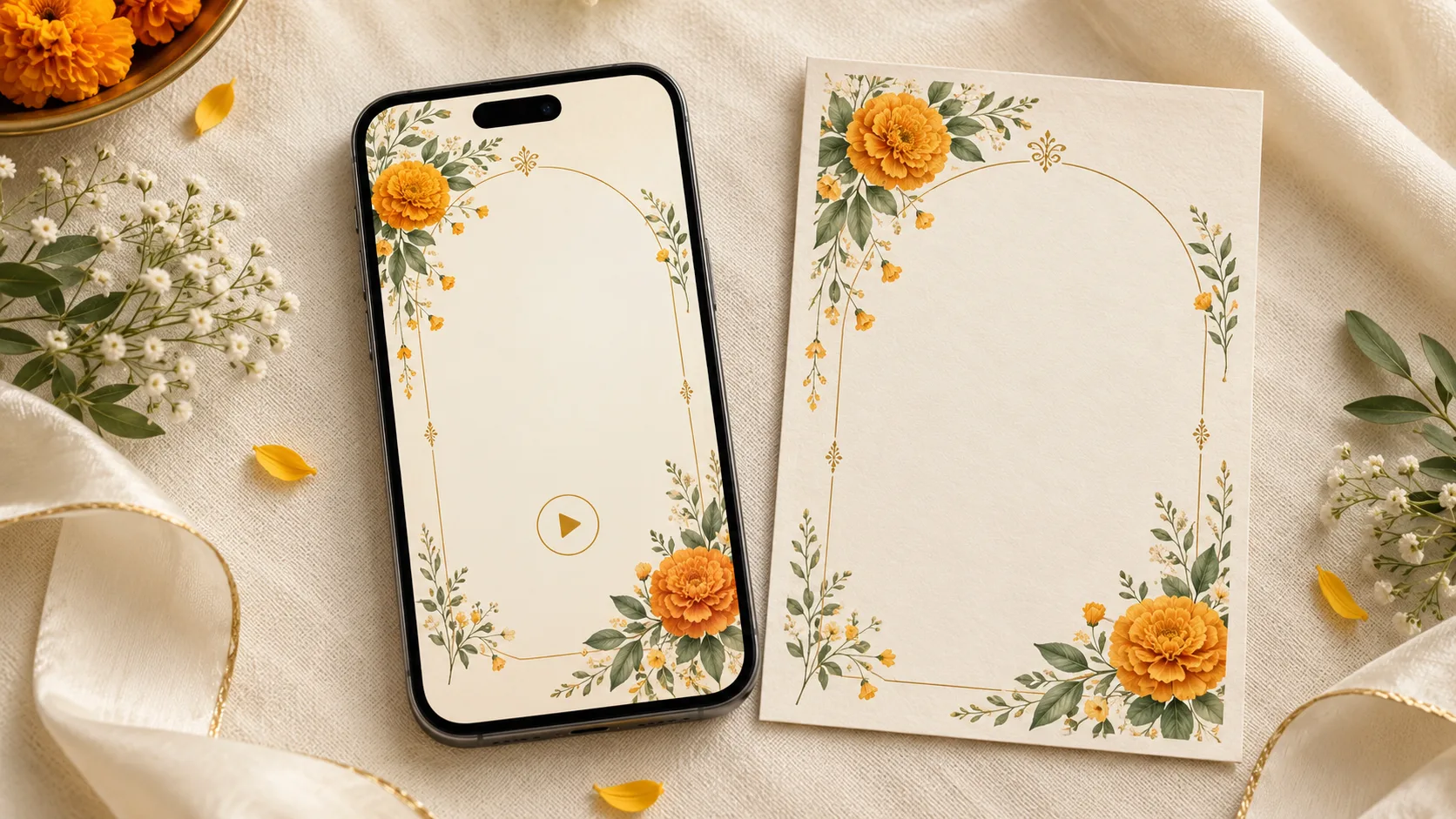
A guest opens your message between two calls. They see a small video preview, but have not pressed play. Can they tell whose wedding it is and whether the message is a save-the-date or an invitation?
A useful wedding invitation video cover frame answers those questions with a short event label, both names and the relevant date. Add the city when it helps. Keep those details easy to read before adding decorative flourishes.
The opening artwork also needs to work inside the video, on a wedding website and, sometimes, as a separate still image. This guide explains what to put on each version, with wording examples and a checklist you can send to your designer.
First, agree on what “cover” means
The same word can describe several different things. Specify the deliverable you want before approving the artwork.
- Opening frame: The image at the start of the actual video. Its text becomes part of the video export.
- Video thumbnail: A small preview shown by the app or service where the video appears. Do not assume every destination will display the cover you chose in your editor.
- Website poster image: A still displayed in a website's video player before playback. A website can use a separate poster image; MDN's video reference explains this option.
- Companion invitation image: A separate JPG or PNG sent alongside the video. It is its own attachment, rather than a setting that changes another attachment's preview.
A preview attached to a website link is another surface to check. Approving a video poster does not prove that the shared link will display the same picture.
Ask the designer which versions are included, and test the actual file or link through your intended sharing route. Treat preview selection as something to verify, rather than something a particular opening frame can guarantee.
Choose the facts a guest should recognise first
For most covers, start with these four decisions:
- What is this? Use “Wedding Invitation”, “Save the Date” or the name of the specific celebration.
- Who is it for? Give both names enough space. Initials alone may be unclear to a guest who knows only one family.
- Which date matters? Use the ceremony date for a wedding invitation, the reception date for a reception-only invitation, or a clearly labelled range for a wedding weekend.
- Does the city help? Include it when guests are travelling or could confuse the celebration with another event.
The cover does not need to carry the full address, every host's name, a dress-code paragraph and the RSVP instructions. Those details still need a clear place in the invitation. Put them in later scenes and in the text message or wedding page guests can revisit.
If the cover is also the only static invitation a guest will receive, prepare a fuller companion card with the time, venue and reply method. Do not expect a recognition-focused cover to serve as the complete event brief.
Four cover wording examples you can adapt
The names, dates and cities below are fictional examples. Replace them with approved details before use. Set each bullet on a separate line in the design, without the bullet symbol.
1. A simple wedding invitation
- Wedding Invitation
- Meera & Arjun
- 21 February 2027
- Jaipur
Make the names the strongest visual element, followed by the date. The event label can be smaller, provided it remains readable. This works for a couple-led invitation or as the opening before a separate family-hosting scene.
2. A save-the-date while plans are being finalised
- Save the Date
- Meera & Arjun
- 21 February 2027
- Jaipur
- Invitation to follow
Use this only when the date and city are confirmed. Avoid adding a venue illustration that looks like a booked property if the location is still undecided. A floral or abstract setting keeps the announcement flexible.
3. A reception-only invitation
- Wedding Reception
- Celebrate with Meera & Arjun
- 22 February 2027
- Jaipur
The word “Reception” needs to survive the small preview. A decorative heading that says only “Our Wedding” may leave the guest unsure which event they are being invited to. Use the reception's date here, even if the ceremony takes place the previous day.
4. A wedding weekend overview
- Meera & Arjun
- Wedding Celebrations
- 20–22 February 2027
- Jaipur
This is suitable for an overview shared with guests invited to that whole programme. If someone is invited only to one function, send an appropriately labelled version. A date range on a cover should not imply an invitation to events the recipient cannot attend.
For a video that explains the complete programme after its opening, use the 30-second wedding invitation storyboard as a separate planning step.
Pick a layout that suits the names and artwork
Centred names inside a quiet frame
Place the event label above the couple's names and the date below. Keep flowers, architectural details or ornamental borders around the outside. This is a useful starting point when the names are short and the invitation uses a symmetrical design.
Leave a clear area behind every letter. A pale panel can help when the background illustration is detailed. Fine gold text over cream flowers may look subtle on a large monitor but become difficult to read when reduced.
A photograph with a separate text area
Choose a photo with space for a calm text panel, or place the picture above the wording. Avoid laying the date across faces, patterned clothes or a bright patch of sky. Use a photograph the couple has approved for the intended audience.
Do not crop the image first and squeeze the names into whatever space remains. Arrange the text and photograph together, then check both at phone size.
Long names on separate lines
Give each person's name a line instead of shrinking both to fit a single row. Keep the two names visually balanced. An ampersand or short connecting word can sit between them without becoming the largest object on the screen.
If family titles or surnames make the cover too dense, agree which form of each name belongs there. Put the full formal wording in a later scene where it has enough room. Do not abbreviate someone's name without their approval.
Make space for playback controls and cropping
Preview your design with the player controls visible. A play icon can cover the middle of the artwork, while other controls may appear near an edge. Avoid placing the only readable date directly beneath a control in the actual player you use.
Keep essential wording comfortably away from the outer edges. Rather than relying on a universal “safe margin”, inspect the placements you actually need: the received video attachment, the website player and any approved social post.
For a portrait video, prepare a portrait opening frame. If a website uses a wider preview area, ask whether it can show that portrait artwork fully or needs a separately composed poster. Stretching or tightly cropping one design can cut off names and decorative details.
A useful review question is: “If the border disappears, can I still read the invitation?” The names, event and date should remain together in the central reading area, even when the decorative edges are less prominent.
Let the opening settle before the next scene
A beautiful still can become unreadable when every word arrives separately and immediately moves away. Have the complete essential wording visible together for long enough to read comfortably.
Try a short, calm hold after the text appears, then ask someone unfamiliar with the design to read it aloud at a natural pace. If they cannot finish before the transition, simplify the wording or extend the hold. This is a readability test, not a fixed rule about how many seconds every cover needs.
Check the very beginning too. If the opening starts black or heavily blurred, decide whether that transition is worth the less informative first image. A visible opening card can still lead into gentle movement, such as a slowly opening border or a subtle change in light.
Keep the website and message consistent
Match the couple's names, event label and date across the video cover, website heading and accompanying message. A reception cover paired with a general wedding message creates an avoidable question.
Send the essential details as readable text as well. For example:
We'd love you to join Meera and Arjun's wedding reception on 22 February 2027 in Jaipur. The invitation video is attached. Please find the time, venue and reply details here: [your invitation link].
Replace the bracketed text with the actual link. If there is no website, include the confirmed time, full venue details and reply instructions in the message itself.
A wedding website can hold the longer information. Confirm which features and privacy arrangements your chosen design supports. Keep private addresses and guest-specific information out of artwork intended for a wider audience.
A practical cover approval checklist
Review the final export, not only the editable design:
- Both names match the approved spelling and order
- The event label accurately describes this recipient's invitation
- The cover date agrees with the relevant event inside the video
- The month is written clearly, without an ambiguous numeric date
- Long names and regional-language text fit without clipped characters
- Names and dates remain readable at normal phone size, without zooming
- Playback controls do not hide the key wording in the intended player
- Portrait and wider placements have been checked separately
- The opening gives a reader enough time before it changes
- The received attachment or shared link has been tested on another phone
- The accompanying message contains the usable link or complete details
- The approved cover and video belong to the same final version
If a detail changes, replace the affected stills as well as the video. A corrected film paired with an old date on its poster is still a confusing invitation.
What to send your designer
Send the exact cover wording, approved name spellings, event type, confirmed date, city and intended sharing destinations. Add the preferred photograph or visual style, languages required, and a list of the outputs you want: opening frame, website poster and any separate invitation image.
You can browse the Love Solutions wedding video invitation collection to choose a visual direction. Ask to review the cover at phone size alongside the first few seconds of the film, and confirm whether separate stills and alternate layouts are included in the agreed scope.
The most useful cover is the one your guests can recognise quickly and read comfortably. Let the animation add the atmosphere once those basics are clear.
Frequently asked questions
Is a video cover the same as the first frame?
Sometimes the same artwork is used for both, but they are different deliverables. The first frame is part of the video; a website poster or selected thumbnail may be a separate image. Check where each version will appear.
Can I guarantee that WhatsApp will show my chosen cover?
Do not promise a particular preview based only on what your editing app shows. Send a test through the exact sharing method and inspect what the recipient sees. A separate still image is useful when you need a specific card visible in the conversation.
Should parents' names appear on the cover?
Include them when the families want that wording and it remains readable. Otherwise, use a dedicated hosting scene with the approved names and titles. Decide this before animation so the layout can accommodate it properly.
Does the cover need a QR code?
Usually a clickable link in the accompanying message is more convenient for someone viewing the invitation on their phone. If a QR code has a separate print or display use, test that version in its real setting rather than adding a tiny code to a crowded video cover.