Can Elders Use a Wedding Website Easily?
Many older relatives can use a wedding website comfortably, but the design and their preferences matter. A link that opens directly to readable event details is easier to use than an invitation that requires small text, hidden menus or several steps before showing the venue.
By Love Solutions India · Published 1 July 2026 · Updated 1 October 2026
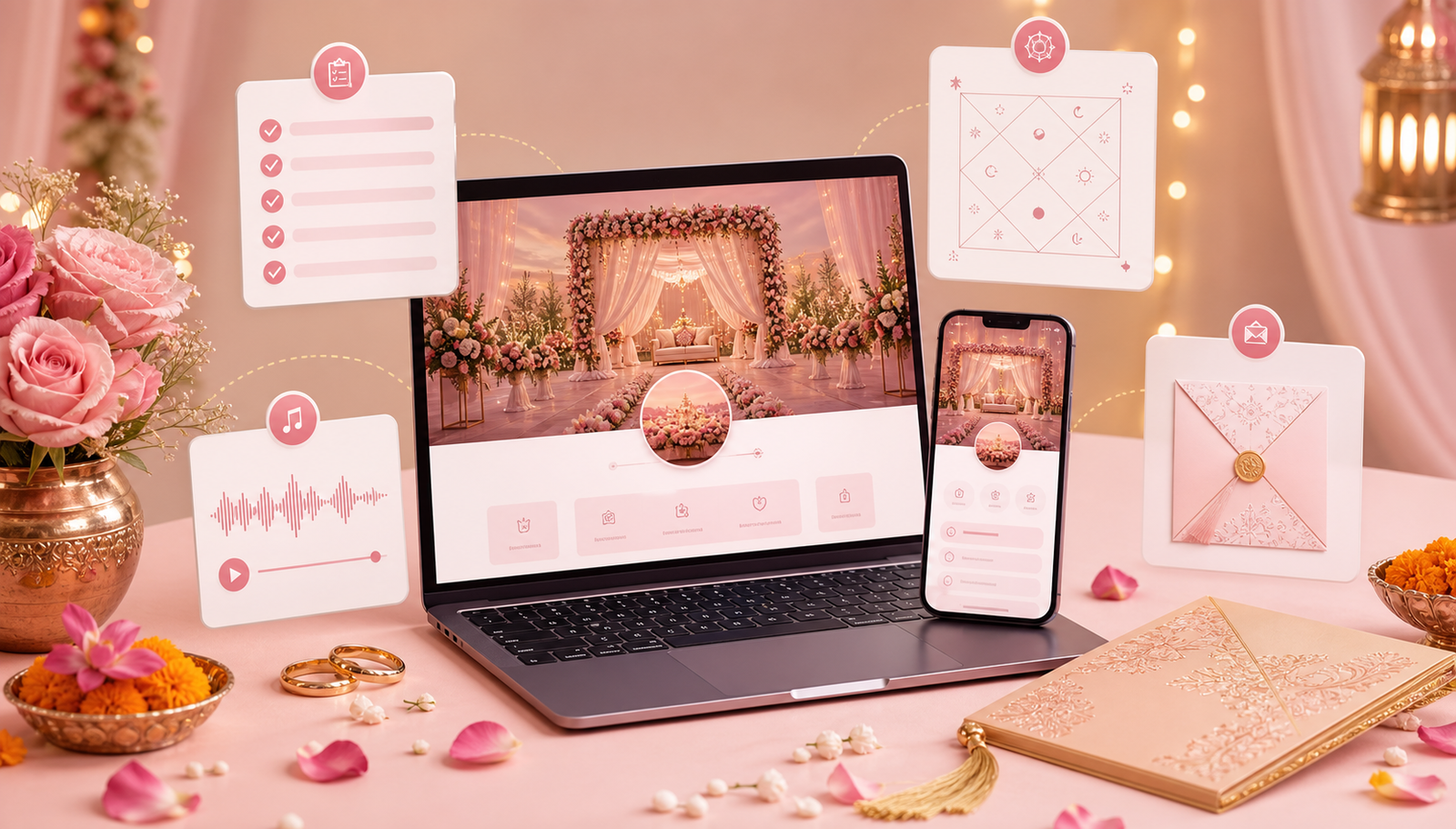
Make the first screen useful
Show names and the main date clearly, then place schedule and directions within easy reach. Use readable text with strong contrast and avoid decorative lettering for addresses or timings. Do not force guests to watch a video before finding the information.
Use descriptive labels such as “Wedding venue directions” or “Reply to the invitation.” A symbol alone may not explain what happens when it is tapped. Keep key details visible as text even when a map or animation is present.
Test with the actual family audience
Ask a willing relative to open the link from the same message app they normally use. Let them try to find the arrival time and venue without coaching, then ask what was unclear. Test on their phone rather than only on the designer’s screen.
If the family needs another language, confirm whether the selected design supports it and have a fluent reader proofread names and ceremonial wording. Translation availability should not be assumed from the appearance of a sample.
Offer help without making guests feel excluded
Send a short written message with the date and a contact for questions. Offer a printed card or a call when that is the guest’s preference. If someone confirms by phone, record that reply alongside the other responses.
A simple website can be helpful, but no guest should need to complete an unfamiliar form to learn whether they are welcome. Explain how to reply another way if needed.
Frequently asked questions
Should we remove all animation?
Not necessarily. Keep it secondary and ensure it does not delay or cover essential details. A guest should be able to read the schedule without interacting with an effect.
How do we know whether the text is readable?
Try it on a smaller phone and ask the intended readers to use it. Check contrast, line length and whether text remains usable when they enlarge it.
Related guides
Planning your invitation?
Share your project details and confirm the chosen format, features and scope before ordering.