Can a Wedding Website Handle Multiple Indian Wedding Events?
A wedding website can present multiple events clearly when its layout supports separate event details. The challenge is making the invitation scope unambiguous: a guest should know which functions they are invited to, even when the families have a larger shared schedule.
By Love Solutions India · Published 1 July 2026 · Updated 1 October 2026
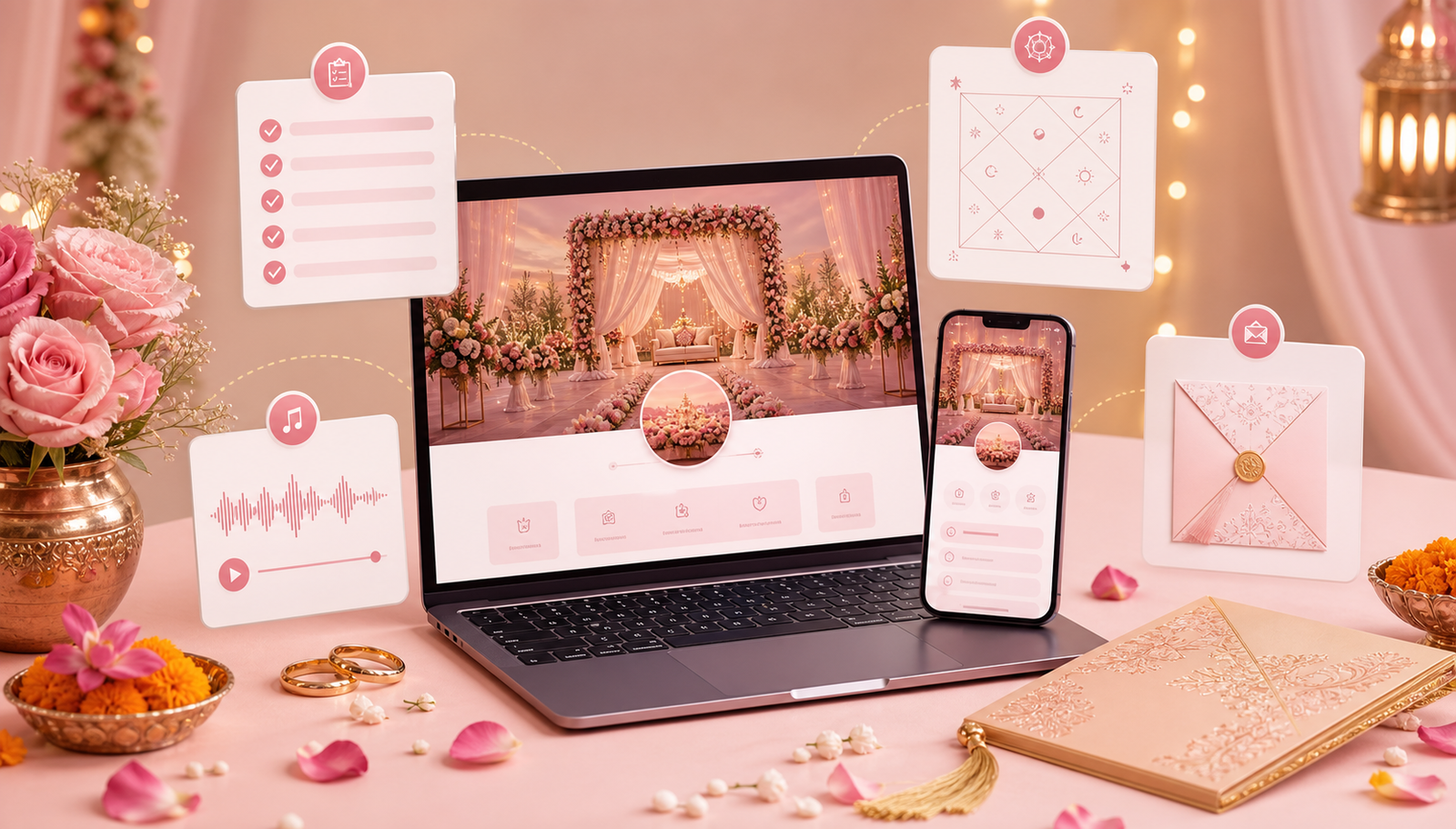
Give every event a complete entry
Record the event name, full date, arrival time, venue and any useful dress or travel note. Repeat the address when events share a venue if that makes each entry understandable on its own. Label different halls or entrances rather than relying on the hotel name alone.
Arrange events chronologically. For celebrations that cross midnight, write the actual calendar date beside the time and explain any departure or transfer arrangements separately.
Separate the master schedule from guest invitations
A planning schedule may include ceremonies that are not open to every guest. Decide which events belong on a generally shared invitation and which need a separate message or version. Do not assume a visible event card restricts attendance.
Before ordering, ask how the selected design handles different guest groups. Personalised links or restricted event visibility are capabilities to verify, not features to assume. If they are unavailable, clearly worded separate invitations may be simpler.
Check replies and updates event by event
If the site has RSVP, test whether guests can answer for each event and whether the hosts can understand the result. If replies happen by message, ask guests to name the functions they will attend.
When an event changes, update its entry through the agreed process and send a short message naming the changed event. A silent website update may not reach guests who saved an earlier screenshot.
Frequently asked questions
Can haldi and reception have different venues?
Yes, a suitable design can display separate venue details. Include a checked map destination for each venue and distinguish any different entrances.
Can we hide some events from particular guests?
That depends on the selected website and its access options. Confirm and test access or personalisation features. Without them, use separate invitations and explicit event wording.
Related guides
Planning your invitation?
Share your project details and confirm the chosen format, features and scope before ordering.