Video Invitations · · 1 min read
Write a Text Companion for Your Wedding Invitation Video
A text companion lets guests understand a wedding invitation when sound is off, the video is slow to load or the decorative lettering is hard to read. It can be short while still covering every practical detail.
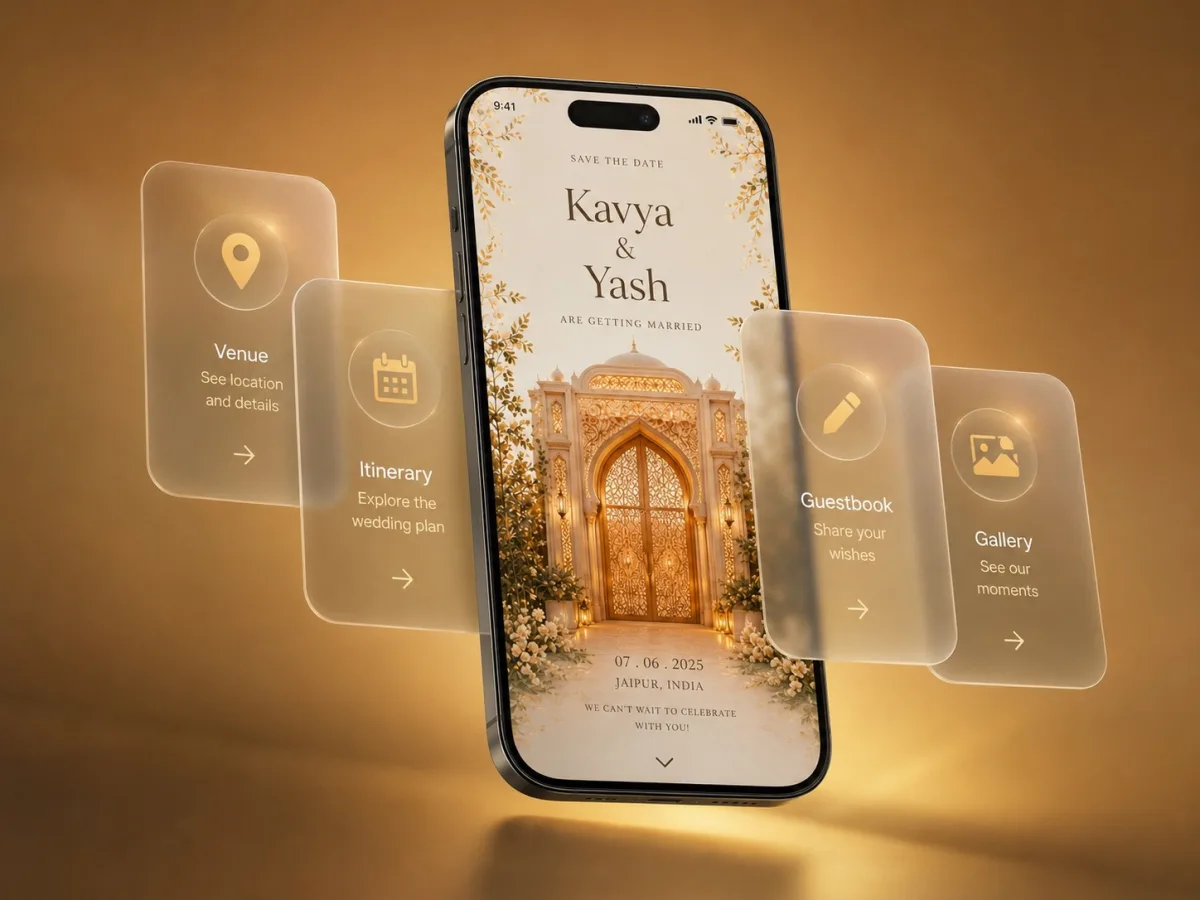
Include the facts from the video
Write the couple's names, invited event, full date, arrival time, venue address, map link and RSVP method. If the video includes several functions, use separate labelled lines. Keep the invitation scope identical; a text companion should not accidentally invite everyone to a smaller family ceremony.
Use this layout
“[Names] invite you to [event]. Date: [day, month, year]. Please arrive at [time, time zone if needed]. Venue: [name and address]. Map: [link]. Please confirm attendance by [date] at [link or contact].” Add a personal greeting above it and review every placeholder before sending.
Keep corrections synchronised
When a time or location changes, update the text and the current invitation page together. If an old video cannot be replaced in previous messages, send a plain correction that names the changed event. Do not rely on background lyrics, a voiceover or a tiny closing frame to carry information guests need for travel.