Can I Create an Animated Wedding Invitation in Multiple Languages?
Build multilingual animated invites with approved translation, full-script fonts, separate language versions, careful line breaks, voiceover planning, and native review.
By Love Solutions India · Published July 21, 2026
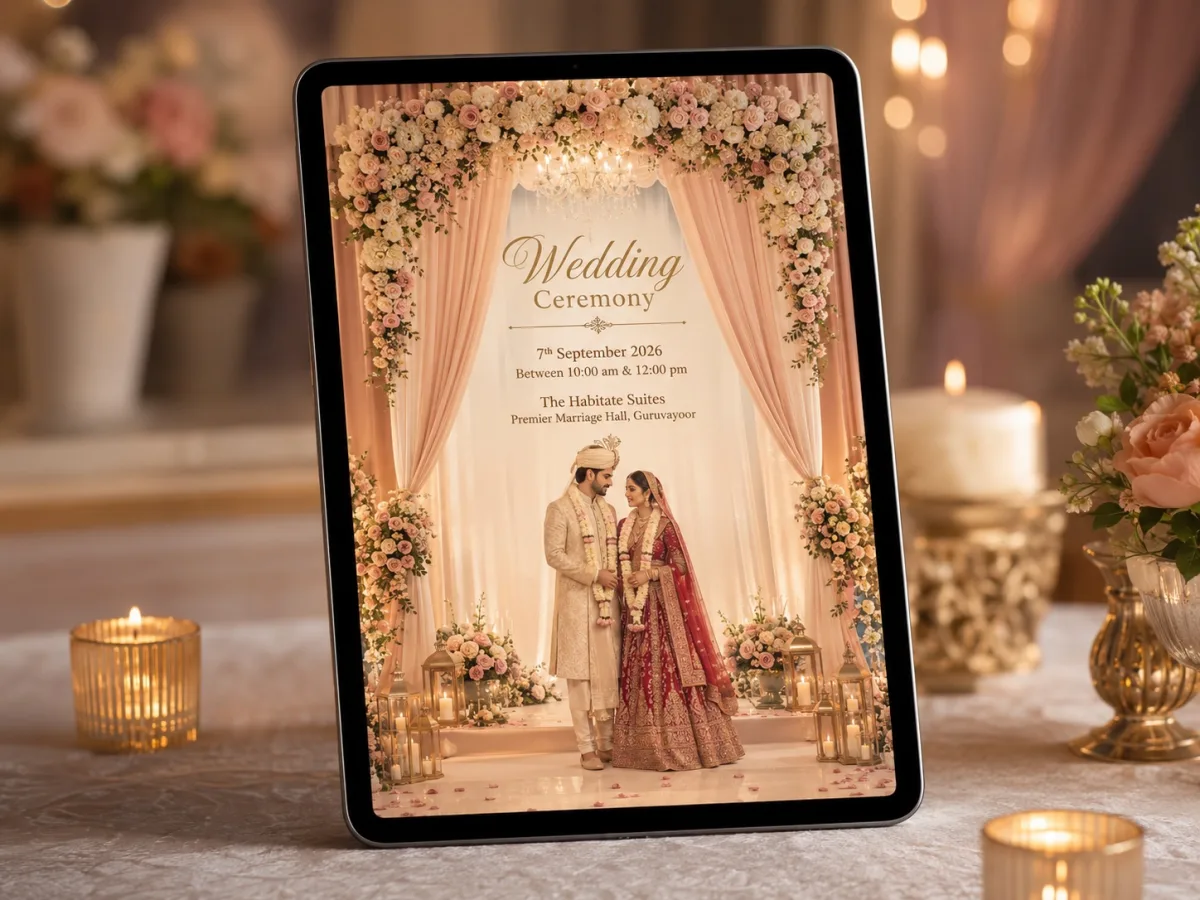
Translation is not a text swap; it changes rhythm, line length, cultural tone, and scene timing.
The direct answer
Yes. Use professionally reviewed copy, fonts that fully support each script, and separate language versions when bilingual screens become crowded. Re-time animation after translation, because line lengths and reading speed change, and ask a native reader to proof the final exported video—not only the source document.
What matters before you start
Decide whether guests need bilingual content in one file or separate Hindi, English, Punjabi, Gujarati, Bengali, Tamil, Telugu, Malayalam, Urdu, or other versions. Separate versions usually give each language more dignity and readability.
Names and venues may need transliteration rather than literal translation. Create an approved terminology sheet so the same event is not spelled differently across video, PDF, website, and messages.
For an Indian wedding, plan the invitation as a small guest journey rather than a decorative slideshow. The opening creates emotion, the middle explains each event, and the final frame tells guests exactly what to do next.
Step-by-step production workflow
Use this sequence to keep creative decisions, family approvals, and technical work under control:
- Finalise the source-language facts before translation
- Create an approved glossary of names, events, venues, and honorifics
- Select fonts with full glyph support and suitable weight
- Reflow layouts and re-time scenes for each version
- Have native readers watch every final export on a phone
Technical checklist before export
Review the invite on the same kind of phone and messaging app your guests will use. A technically perfect desktop preview can still fail when text becomes tiny, music starts too loudly, or compression softens fine details.
- All characters render after MP4 export
- Line breaks preserve meaning and respect
- Voiceover pronunciation is approved
- Date and time conventions are unambiguous
- Files are labelled by language and version date
Common mistakes to avoid
Most animated invitation problems come from adding too much rather than too little. Protect clarity first, then add movement and decoration only where they support the story.
- Using automatic translation without native review
- Forcing two long languages into one small frame
- Choosing decorative fonts with missing glyphs
- Keeping English timing for every language
- Mixing transliterations across event versions
Our recommendation for Indian weddings
Create separate language edits from one master design whenever the guest list is large enough to justify them. Pair every version with the same structured wedding website, where guests can choose a language and access updated details.
For multi-event or destination celebrations, pair the short video with a wedding website. The video creates the first impression; the website remains the updated source for schedules, maps, travel notes, galleries, wardrobe guidance, and RSVP.
Watch real wedding video invite samples
A moving sample reveals details that a thumbnail cannot: scene timing, music balance, text readability, transitions, and how naturally the event information appears on a phone.
Compare several Love Solutions wedding video invite samples before choosing a visual direction. Notice which sample still feels clear with the sound off and which one best matches the scale and personality of your celebration.
Open the Wedding Digital Video Invite collection to compare six mobile-first animated samples.
Final approval checklist
Ask one person from each family to verify names, honorifics, dates, times, venues, map links, RSVP instructions, and language spellings. Then watch the exported file once with sound and once muted on both iPhone and Android.
Keep one approved master file, one compressed sharing copy, and a clearly named project archive. If a detail changes later, edit from the master instead of repeatedly compressing an already exported WhatsApp file.
Frequently asked questions
Is one bilingual video better than two language versions?
A short bilingual invite can work, but separate versions are usually clearer when there are many events or longer family wording.
Can AI translate wedding invitation wording?
It can create a draft, but a fluent person should review tone, cultural phrasing, names, honorifics, and final line breaks.
Why do some Indian-language letters disappear after export?
The selected font or software may lack complete glyph support. Test the exact text in the final exported format early.