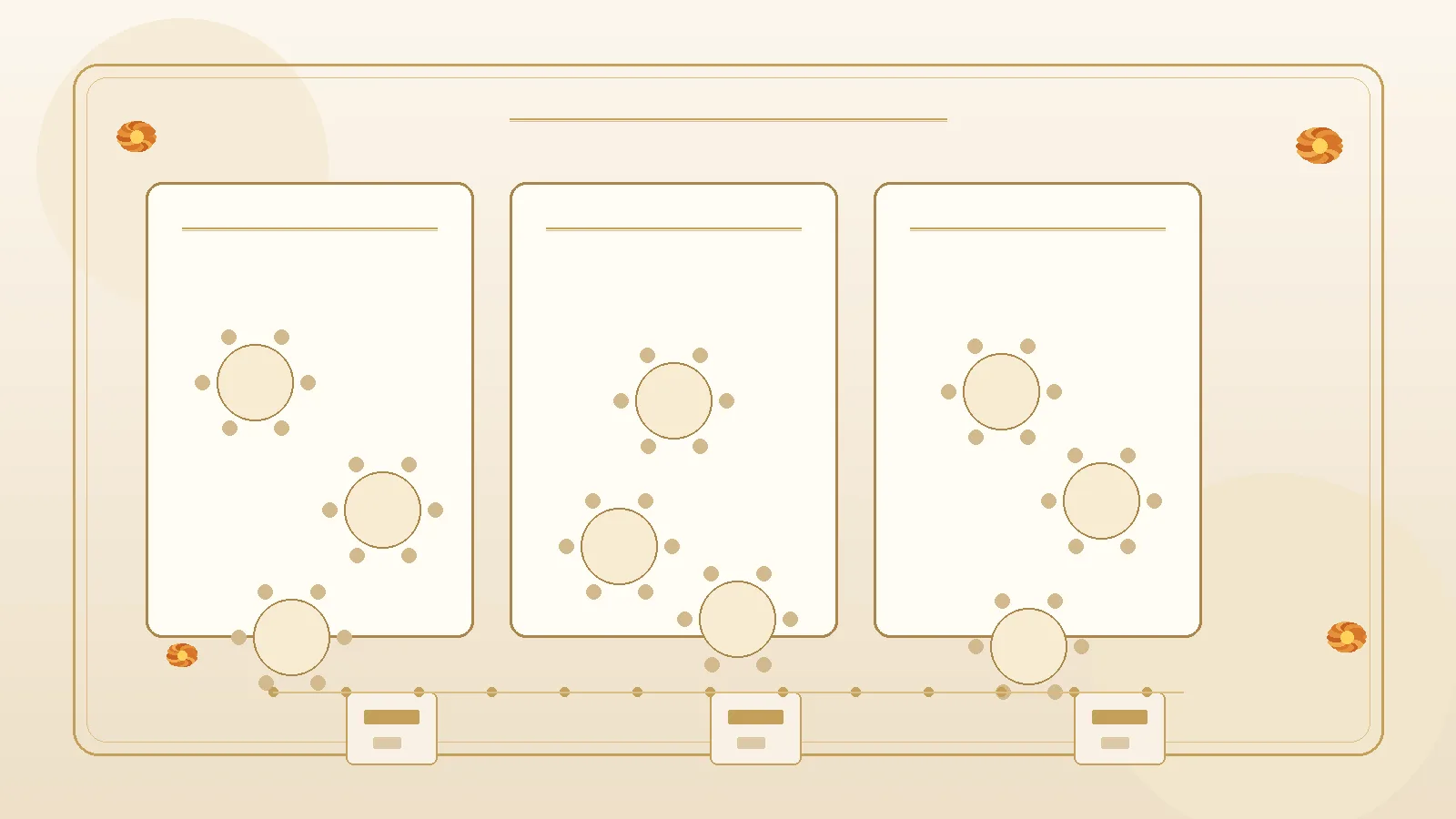
The mehndi needs family clusters near the stage. The sangeet needs a dance-floor ring and a quiet elder zone. The reception needs rounds of ten, a head table, and a political map nobody wants to redraw three times in three spreadsheets. Indian wedding weekends are not one floor plan — and in 2026 seating tools are finally treating them that way.
Trend hook: Product patterns such as Anvaya's Wedding Seating Chart Maker for Indian Weddings describe one guest list pulled into a separate seating canvas per ceremony — mehndi, sangeet, reception, and more — with independent placements, plus-ones as individual chairs, CSV handoff for caterers, and a printable Find Your Seat board. Supporting 2026 digital patterns (Wedibox-style QR "find your seat" lookup that stays valid after late changes) matter for guest night-of flow. This article is an operations guide for running multi-function charts — not a guest-comms-only explainer of how to word find-my-seat notes (that is a different page), and not a thin product roundup. No adoption statistics claimed.
What multi-function seating ops covers (and what it does not)
| Include in multi-function seating ops | Keep elsewhere |
|---|---|
| One master guest list → per-function canvases | Guest-facing find-my-seat wording craft alone |
| When assigned seating applies vs open seating | QR entry pass / gate check-in |
| Independent placement per function for the same guest | Selective event visibility / who is invited where |
| Print board vs live QR lookup handoff | Meal preference collection forms |
| Elder fallback and usher plan | Full floor-plan politics diary for family WhatsApp |
If you only need invite and website sentences for guests scanning a reception QR, use a find-my-seat notes guide. This page answers: "How do we seat mehndi, sangeet, and reception from one list without rebuilding chaos?"
Why one spreadsheet per function breaks
Common failure modes:
- Re-importing names for every ceremony and drifting out of sync with RSVPs
- Copy-paste politics — moving an uncle at reception accidentally "fixes" sangeet too when files are linked wrong
- Plus-one blindness — one household row becomes one chair instead of six
- Late declines — seat stays filled because nobody flagged the RSVP change on that canvas
- Caterer export that matches only the reception while sangeet still needs a stage-side family grid
A multi-function seating chart Indian wedding 2026 workflow starts from the opposite assumption: same people, different rooms, different decisions.
Core model: one guest list, many canvases
Lock the mental model before you drag a single chair:
- Master guest list — people, households, side of family, which functions they attend
- Per-ceremony canvas — mehndi layout, sangeet layout, reception layout (add haldi or welcome dinner only if you truly assign seats)
- Independent placements — the same cousin can sit with maternal aunts at mehndi and with college friends at reception
- Live RSVP link — confirmed / pending / declined filters on the unseated panel so you do not seat empty chairs
- Active plan — one starred arrangement per ceremony for print, QR, and CSV (park alternate drafts; do not run two "live" truths)
Platforms built for desi multi-event weekends emphasise exactly this: each ceremony is its own room object so editing mehndi the week of the wedding does not disturb a reception plan finished a month earlier.
Step 1 — Decide where assigned seating actually applies
Do not force place cards onto every ritual.
| Function | Typical seating mode | Ops note |
|---|---|---|
| Haldi | Often open / family clusters | Chart only if space is tight or VIP rows matter |
| Mehndi | Semi-assigned clusters or open with reserved elder front | Canvas useful for stage-facing families |
| Sangeet | Mixed: performance priority + some assigned dinner tables | Separate stage fixtures from dinner rounds |
| Ceremony / pheras | Ritual seating, not banquet rounds | Do not reuse reception table numbers |
| Reception | Most often fully assigned | Primary Find Your Seat board / QR |
Publish the mode per function so guests do not hunt for place cards at an open mehndi. Ops builds canvases only where assignment is real.
Step 2 — Prepare the guest list for seating (not just RSVP)
Before canvas work:
- Expand confirmed plus-ones into seatable people (a family of six needs six chairs)
- Tag side of family (bride / groom / mutual) for coherent clusters
- Tag access needs privately (aisle end, near restroom, quieter zone) without putting medical detail on the public board
- Confirm which functions each guest attends so reception-only guests never clog the mehndi unseated list
- Freeze a date for "chart lock" vs "late change window"
Step 3 — Build each canvas like a real room
For every assigned function:
- Choose table shapes you actually rented (round, rectangular, sweetheart, head, square)
- Set editable seat counts per table — do not overpack a round the venue cannot fit
- Drop fixtures that change flow: stage, dance floor, DJ, bar, buffet, entrances
- Seat from filters: confirmed groom-side elders first, then fill coherent tables
- Keep "do not seat X with Y" on an internal note — never on the guest board
- Auto-save discipline (or frequent exports) so experiments do not erase the last good plan
- Fork an alternate arrangement if politics are volatile; star only one active plan
Sangeet canvases often need more fixture honesty (stage and dance floor) than reception rounds. Mehndi may use low rectangular family tables rather than banquet tens. Let each canvas tell the truth of that room.
Step 4 — Handle RSVP changes without silent ghosts
When a seated guest declines:
- Flag the seat for review on that ceremony's canvas
- Free the chair deliberately — do not let a declined plus-one keep a plated count
- If they still attend another function, leave the other canvas untouched
- Re-export caterer CSV after material changes
- Update live QR / website lookup if you use digital find-your-seat — one reason digital boards beat foam boards for late swaps
Step 5 — Guest communication of table assignments
Ops owns the chart; guests need a calm path to the answer.
What to tell guests
- Which functions have assigned seating
- How to look up a table (printed board, usher, QR / website search)
- Household search tip ("search by family name")
- What to do if a name is missing
Invite one-liner
"Reception seating is assigned — find your table via the entrance board or the QR on our wedding website. Mehndi is open family seating."
Website Guest Info
Host the live lookup link, which functions are assigned, and elder help ("ushers at the entrance can seat you if you prefer not to use the phone"). Keep internal politics off the page.
This is complementary to a dedicated find-my-seat wording article: here the emphasis is that each assigned function may need its own board or filter, not one reception-only assumption.
Step 6 — Print board vs live QR lookup
Use both when the room is large; choose a primary.
Printed Find Your Seat board
- Alphabetical guest index + per-table listing
- Works when phones are away or signal is weak
- Needs a reprint or sticker patch for late changes — budget a final print time
Live QR / website lookup
- Guests scan, search name, see table (and sometimes seat)
- Survives late RSVP moves without reprinting foam
- Needs clear elder fallback (usher + printed backup)
Caterer / venue CSV
- Table, seat number, guest name, side, RSVP status, household labels
- Separate from the guest-facing board tone
Anvaya-style printable boards and Wedibox-style QR charts are examples of the same handoff idea: ops arrangement in, guest lookup out. Pick tools that match your weekend; keep the handoff checklist either way.
Elder and accessibility fallback (ops checklist)
- Station ushers who know the active plan for that function
- Keep one large-print alphabetical sheet even if QR is primary
- Pre-seat elders who should not stand in a phone queue
- Avoid making the couple the lookup help desk during entrances
- Train ushers that mehndi and reception maps are different
Sample weekend seating ops timeline
| When | Action |
|---|---|
| After RSVP midpoint | Build reception canvas first (usually hardest politics) |
| ~2 weeks out | Build sangeet / mehndi canvases only if assigned; fork alternates if needed |
| ~1 week out | Star active plans; share CSV draft with caterer |
| ~3 days out | Final usher briefing; print boards; publish QR / website lookup |
| Day-of | Exception lane only — declined seats, VIP adds, never a full redraw in the foyer |
Common mistakes to avoid
- One canvas pretending to be three functions
- Seating pending RSVPs as if they were confirmed
- Ignoring plus-ones until the caterer asks why covers are short
- Publishing table politics on the guest website
- QR-only with no elder usher path
- Updating reception and forgetting the sangeet dinner chart
- Treating ceremony ritual rows as banquet table numbers
Soft place for guest-facing lookup
A wedding website or digital invite hub is a natural host for the live find-your-seat link and the short note on which functions are assigned. Keep canvases and CSV exports in your planning tool; point guests to Guest Info for lookup and usher help. That keeps hospitality clear without turning the public site into a drag-and-drop editor.
Quick checklist before doors open
- [ ] Assigned vs open seating decided per function
- [ ] One master list feeding separate canvases (no re-import drift)
- [ ] Plus-ones expanded; declined seats freed
- [ ] Active plan starred per assigned ceremony
- [ ] Caterer CSV matches the starred plan
- [ ] Print board and/or QR lookup tested with a sample name
- [ ] Ushers briefed on which map is live tonight
- [ ] Website Guest Info states which events have assigned tables
Running a multi-function seating chart across mehndi, sangeet, and reception in 2026 means respecting that each room is a different decision — fed by one guest list, not three competing spreadsheets. Build independent canvases, lock an active plan, hand caterers a clean CSV, give guests a board or QR path, and keep elders from standing in a phone queue. That is how table assignments stay hospitality instead of foyer chaos.