How to Make a Save-the-Date Animation Video
Make a short save-the-date animation that announces the couple, date, city, and formal-invitation note without pretending every wedding detail is final.
By Love Solutions India · Published July 21, 2026
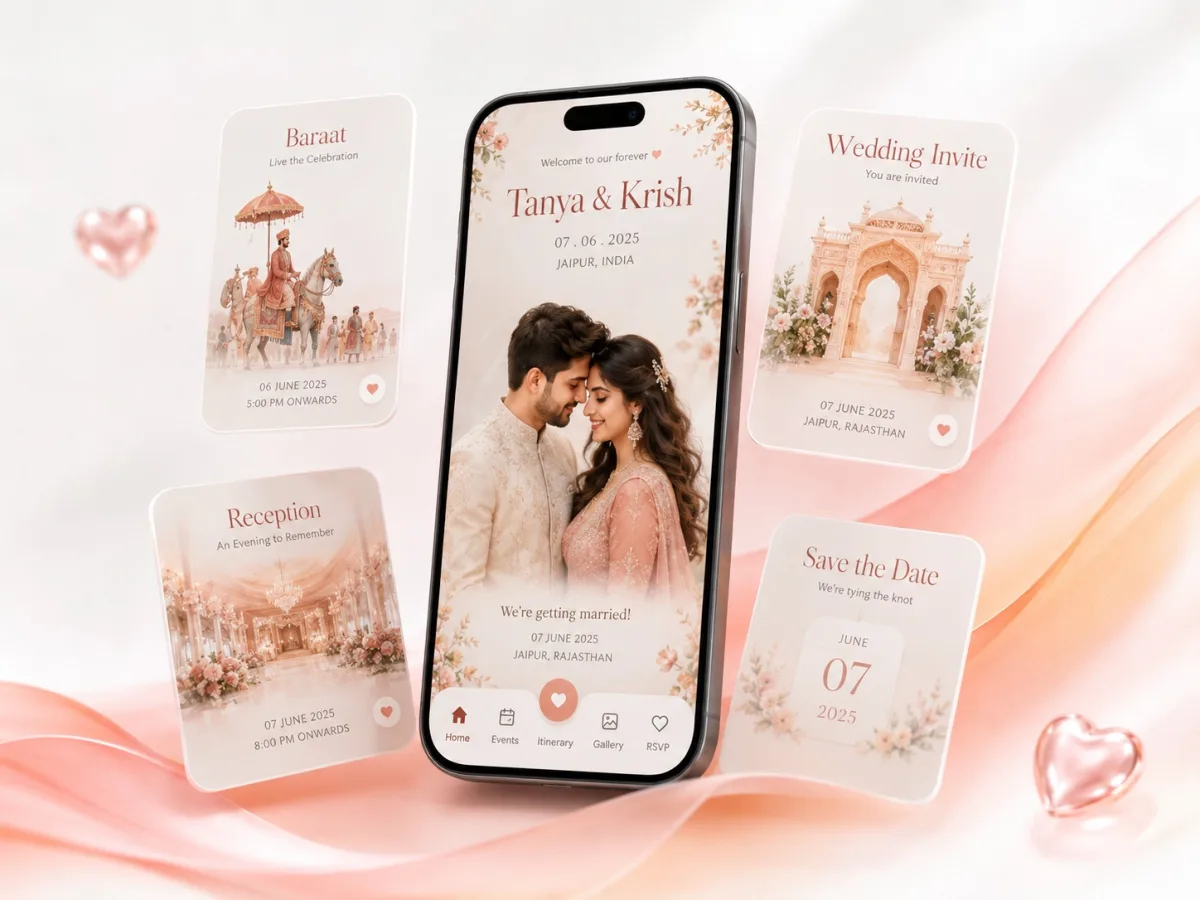
A save-the-date protects one decision—the date—while building excitement for everything still to come.
The direct answer
Keep a save-the-date video between roughly 10 and 30 seconds and include only confirmed information: couple names, wedding date, city or destination, and a note that the formal invitation will follow. Use one memorable visual motif and end on the date long enough to screenshot.
What matters before you start
A save-the-date is not the full invitation. Do not crowd it with unconfirmed event timings, venue rooms, dress codes, or travel promises that may change.
If guests need to reserve flights or hotels, link to a simple wedding website where travel guidance can be updated without rendering a new video.
For an Indian wedding, plan the invitation as a small guest journey rather than a decorative slideshow. The opening creates emotion, the middle explains each event, and the final frame tells guests exactly what to do next.
Step-by-step production workflow
Use this sequence to keep creative decisions, family approvals, and technical work under control:
- Confirm the date and whether the city can be announced
- Choose a 10–30 second concept with three or four scenes
- Lead with the couple and reveal the date as the hero moment
- Add a formal invitation to follow line and optional website link
- Export, test, and schedule distribution to priority guests first
Technical checklist before export
Review the invite on the same kind of phone and messaging app your guests will use. A technically perfect desktop preview can still fail when text becomes tiny, music starts too loudly, or compression softens fine details.
- Date format is unambiguous for domestic and international guests
- The main date stays visible long enough to read
- No unconfirmed logistics appear
- The final frame works as a screenshot
- Music and imagery are licensed for your use
Common mistakes to avoid
Most animated invitation problems come from adding too much rather than too little. Protect clarity first, then add movement and decoration only where they support the story.
- Turning the save-the-date into a full two-minute invitation
- Publishing a venue before the contract is final
- Using tiny calendar typography
- Forgetting destination or city information
- Sending a corrected version without explaining what changed
Our recommendation for Indian weddings
Use a short animated save-the-date for emotional impact, then publish the complete schedule later through a wedding invitation video and website once family and venue details are approved.
For multi-event or destination celebrations, pair the short video with a wedding website. The video creates the first impression; the website remains the updated source for schedules, maps, travel notes, galleries, wardrobe guidance, and RSVP.
Watch real wedding video invite samples
A moving sample reveals details that a thumbnail cannot: scene timing, music balance, text readability, transitions, and how naturally the event information appears on a phone.
Compare several Love Solutions wedding video invite samples before choosing a visual direction. Notice which sample still feels clear with the sound off and which one best matches the scale and personality of your celebration.
Open the Wedding Digital Video Invite collection to compare six mobile-first animated samples.
Final approval checklist
Ask one person from each family to verify names, honorifics, dates, times, venues, map links, RSVP instructions, and language spellings. Then watch the exported file once with sound and once muted on both iPhone and Android.
Keep one approved master file, one compressed sharing copy, and a clearly named project archive. If a detail changes later, edit from the master instead of repeatedly compressing an already exported WhatsApp file.
Frequently asked questions
How long should a save-the-date animation be?
About 10–30 seconds is usually enough to introduce the couple, reveal the date, name the city, and say that the full invitation will follow.
Should the venue be included?
Include it only when fully confirmed. Otherwise name the city or destination and update the detailed wedding website later.
Can the save-the-date and main invite use the same design?
Yes. Reusing the same identity makes the final invitation feel coherent and reduces duplicate design work.