Adding Venue Maps and RSVP to a Digital Wedding Invite
An invitation can lead guests to a venue map and response option, but how they access them depends on the format. A website can contain links or a form; a PDF can contain links if correctly created; an image or video should be shared with usable links in the message.
By Love Solutions India · Published 1 July 2026 · Updated 1 October 2026
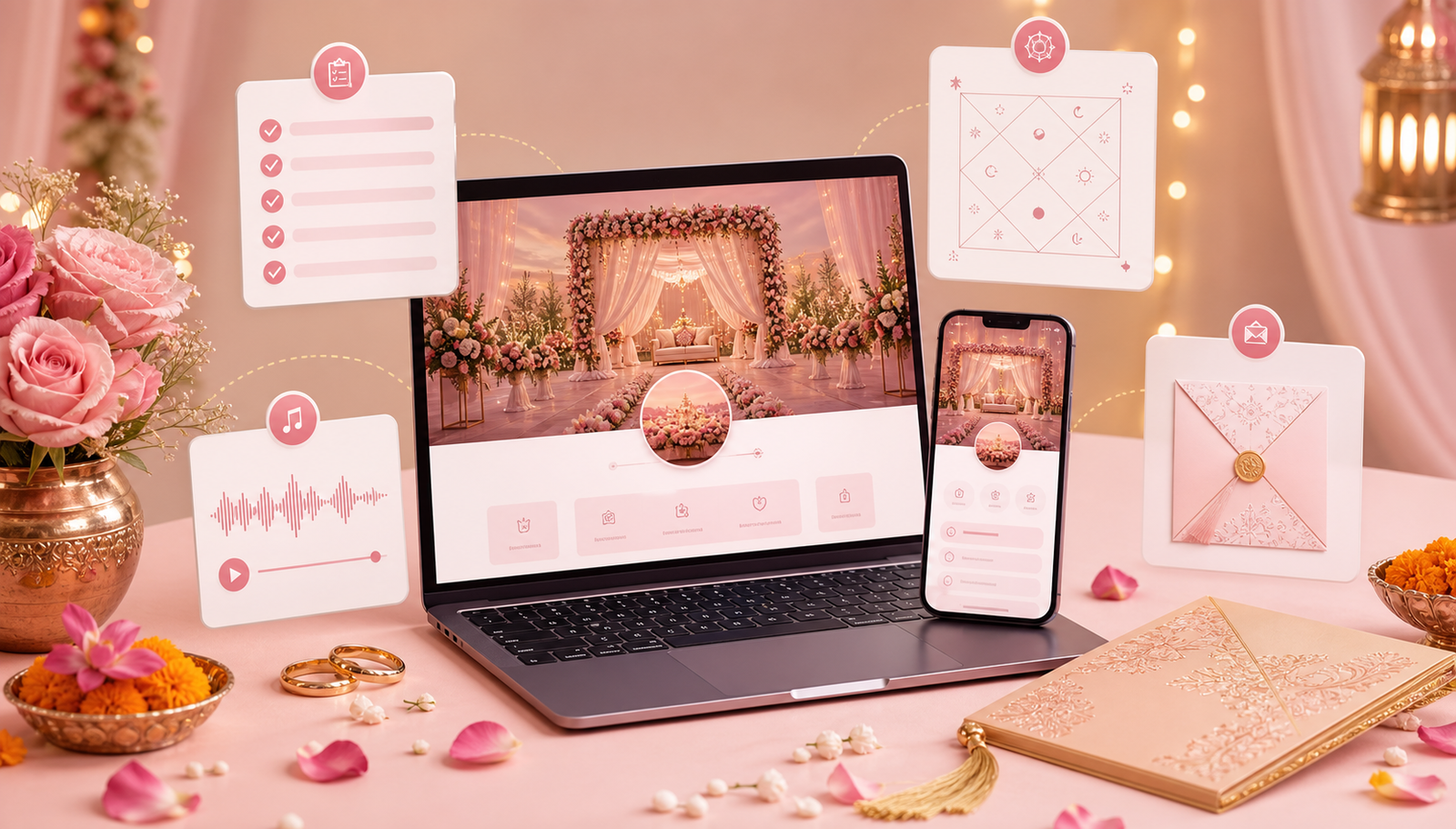
Match the action to the format
Ask the designer where a guest will tap. A website button should open the intended map or response destination. A PDF hyperlink must be included during creation and checked in the received file. Text drawn to look like a button in a video or image is not a working form.
A QR code offers another route, but it can be awkward when the invitation is being viewed on the same phone. Supply a clickable link alongside it.
Verify the destination, not just the label
Open the venue link and confirm its name, city and pin location with the organiser. Check whether guests should use a particular entrance. For more than one venue, label each map with its matching event so guests do not follow the wrong pin.
Define what an RSVP means
Explain whether the reply is for one person, a household or selected events. State a deadline if there is one and offer a contact for corrections. Ask the provider how replies reach the host and how changes are handled before depending on the form.
For guests who prefer a call, record their response in the same planning list used for online replies. Otherwise the digital count may exclude people who have already accepted verbally.
Check the reply journey with the provider
Open the preview, inspect the destination and confirm that fields and instructions are understandable. Ask the provider to demonstrate how a trial reply reaches the organiser and how it will be excluded from guest totals.
You can compare presentation ideas in the wedding website samples. Confirm which map and response features are part of the selected design.
Frequently asked questions
Can guests tap a link inside a video?
A URL shown in the video picture does not function as an interactive button. Share the actual clickable link in the accompanying message.
Can a PDF link to an RSVP form?
It can if a working hyperlink is included in the PDF. Test the received file in the viewer guests will use and offer the link in text as a fallback.
Is a map pin enough for directions?
Keep a readable venue name and address too. Check the pin and any entrance instructions with someone who knows the location.
Related guides
Planning your invitation?
Share your project details and confirm the chosen format, features and scope before ordering.